Wireless Video Doorbell Camera Chime MUBVIEW J7
- $18.99 USD
$15.99 USD- $18.99 USD
- Unit price
- per
Subtotal:
$18.99
Local Delivery
No Tax
Gift with Purchases

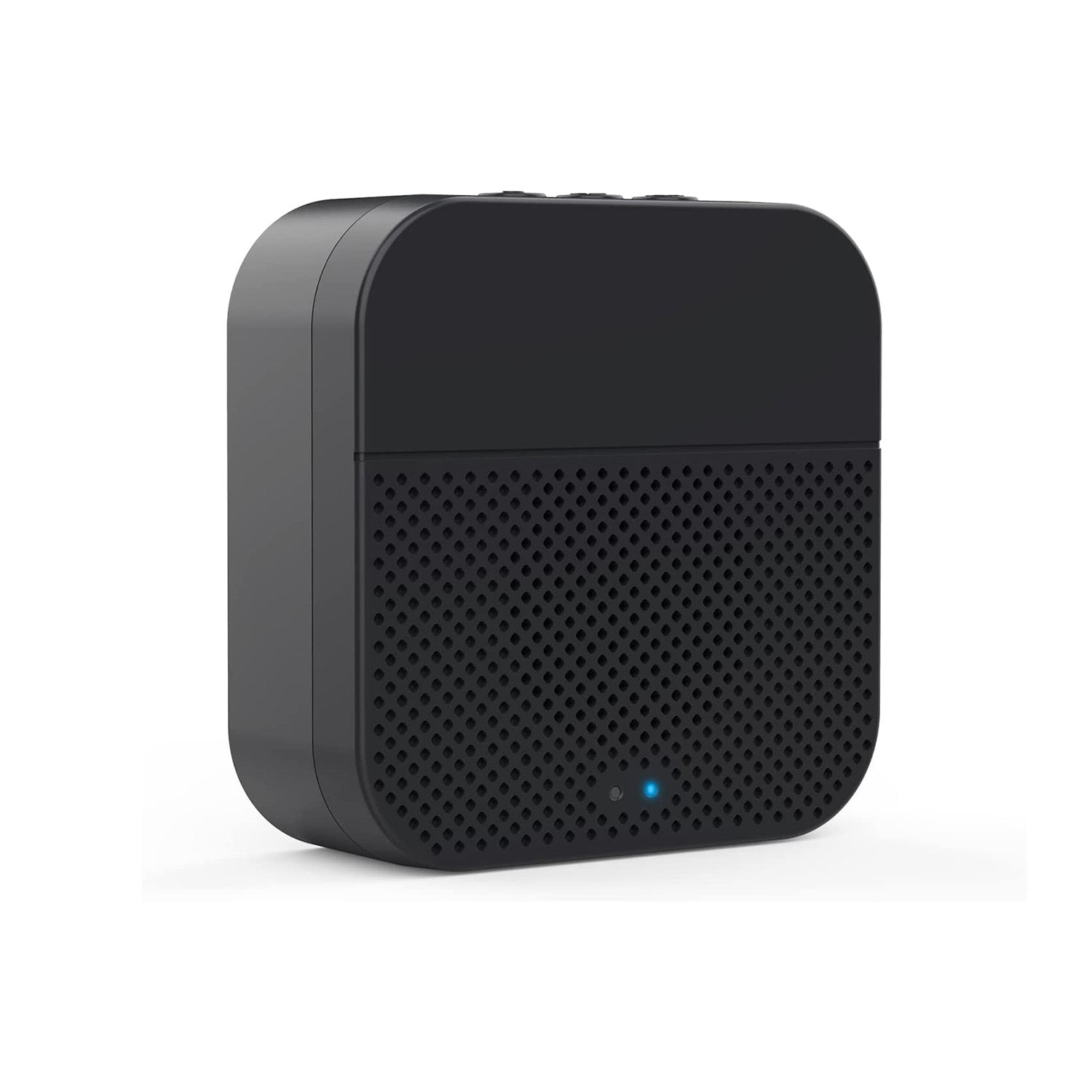
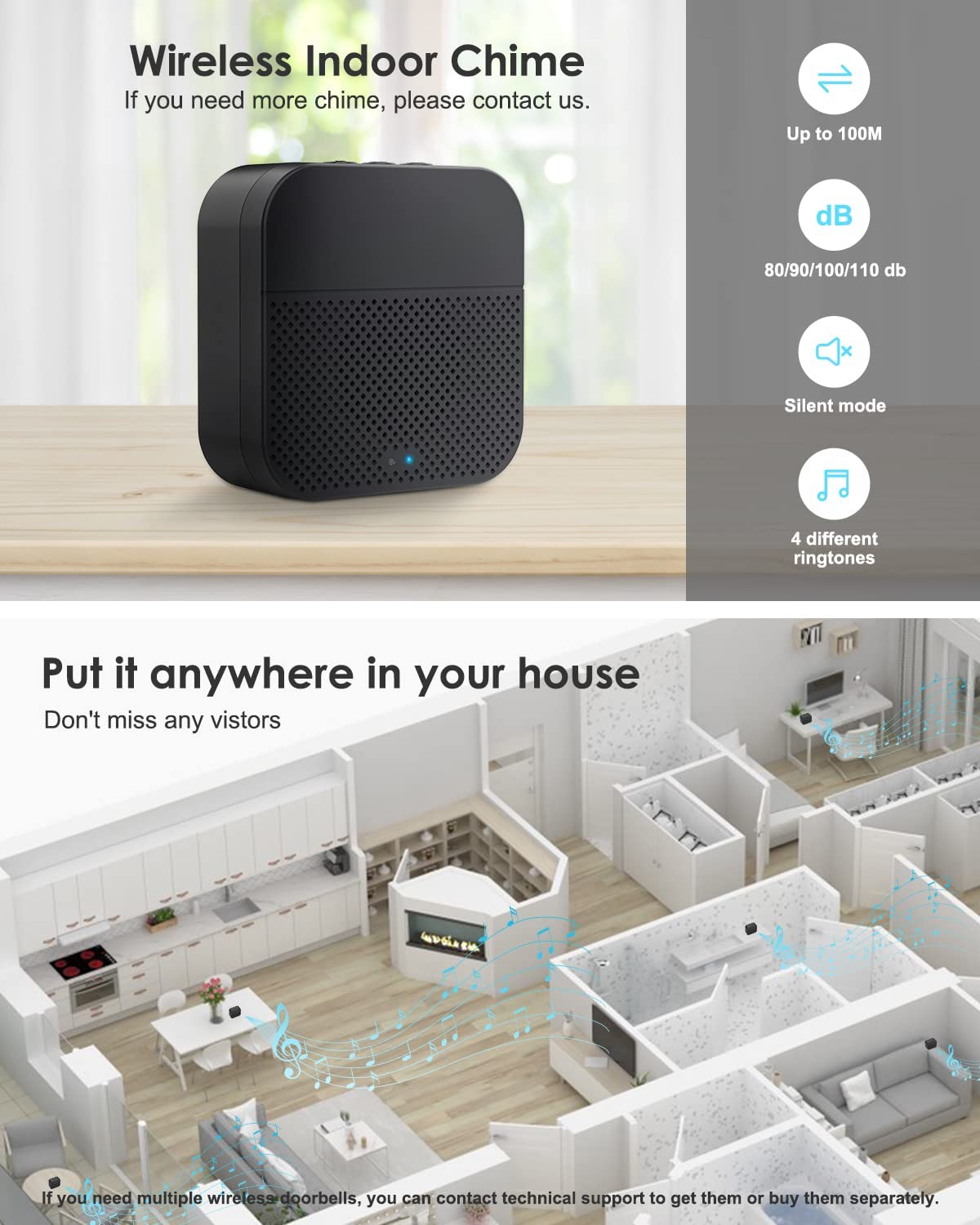
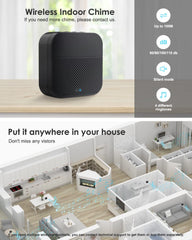
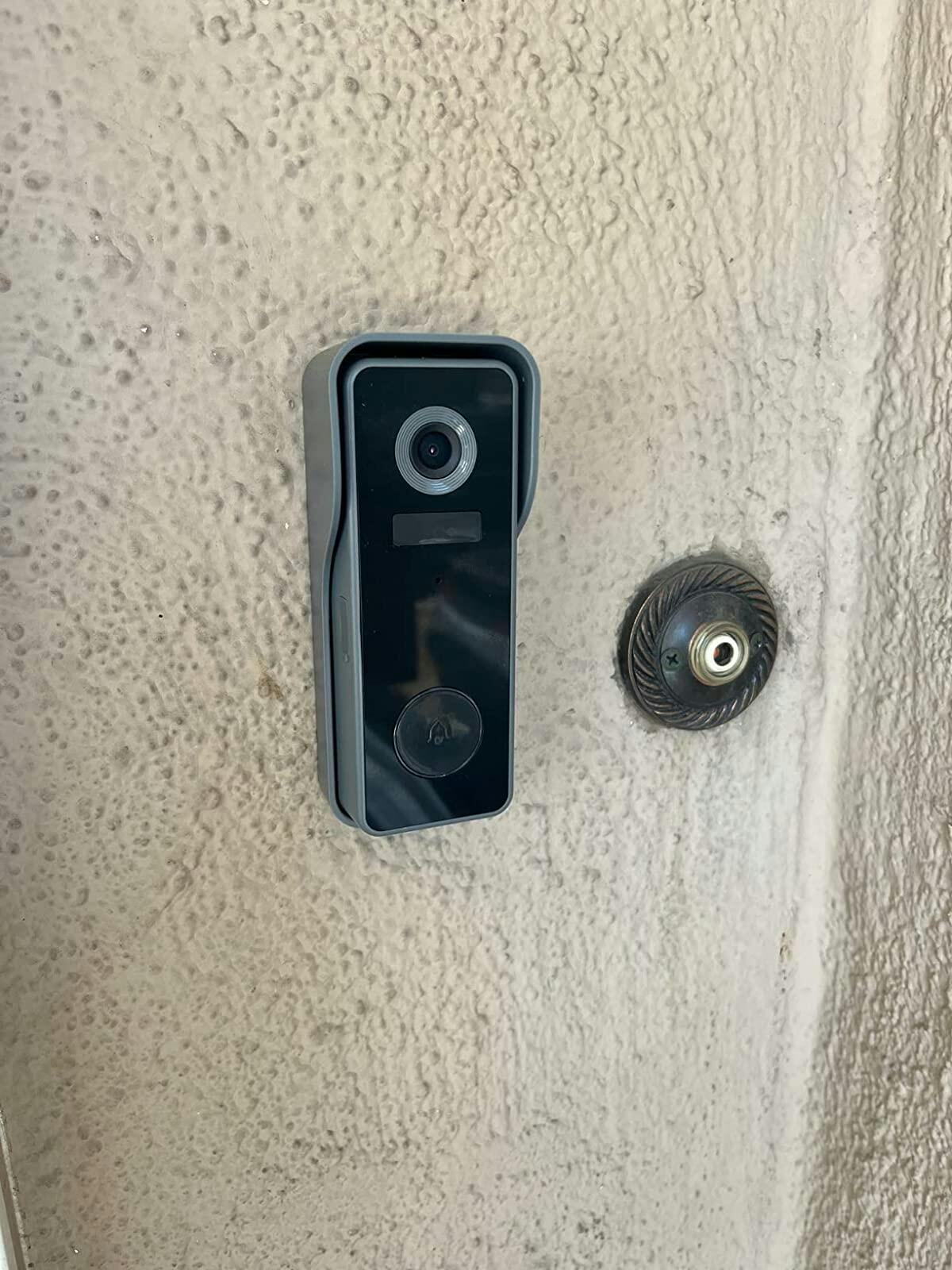
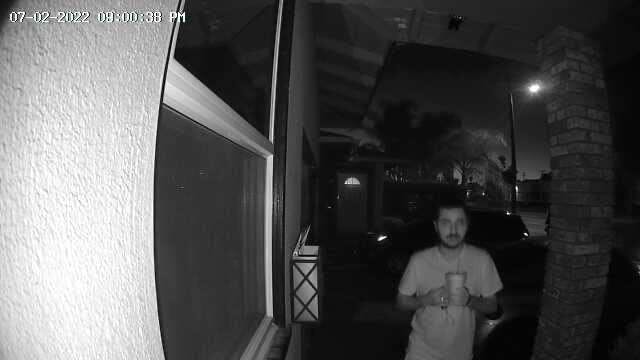
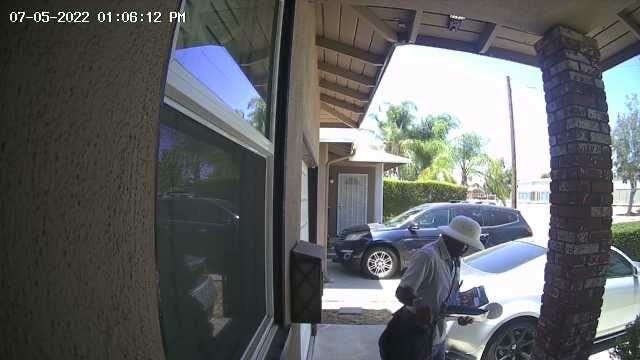
- Notify you when someone rings our doorbell.
- Products a sound to alert you when someone is at the door
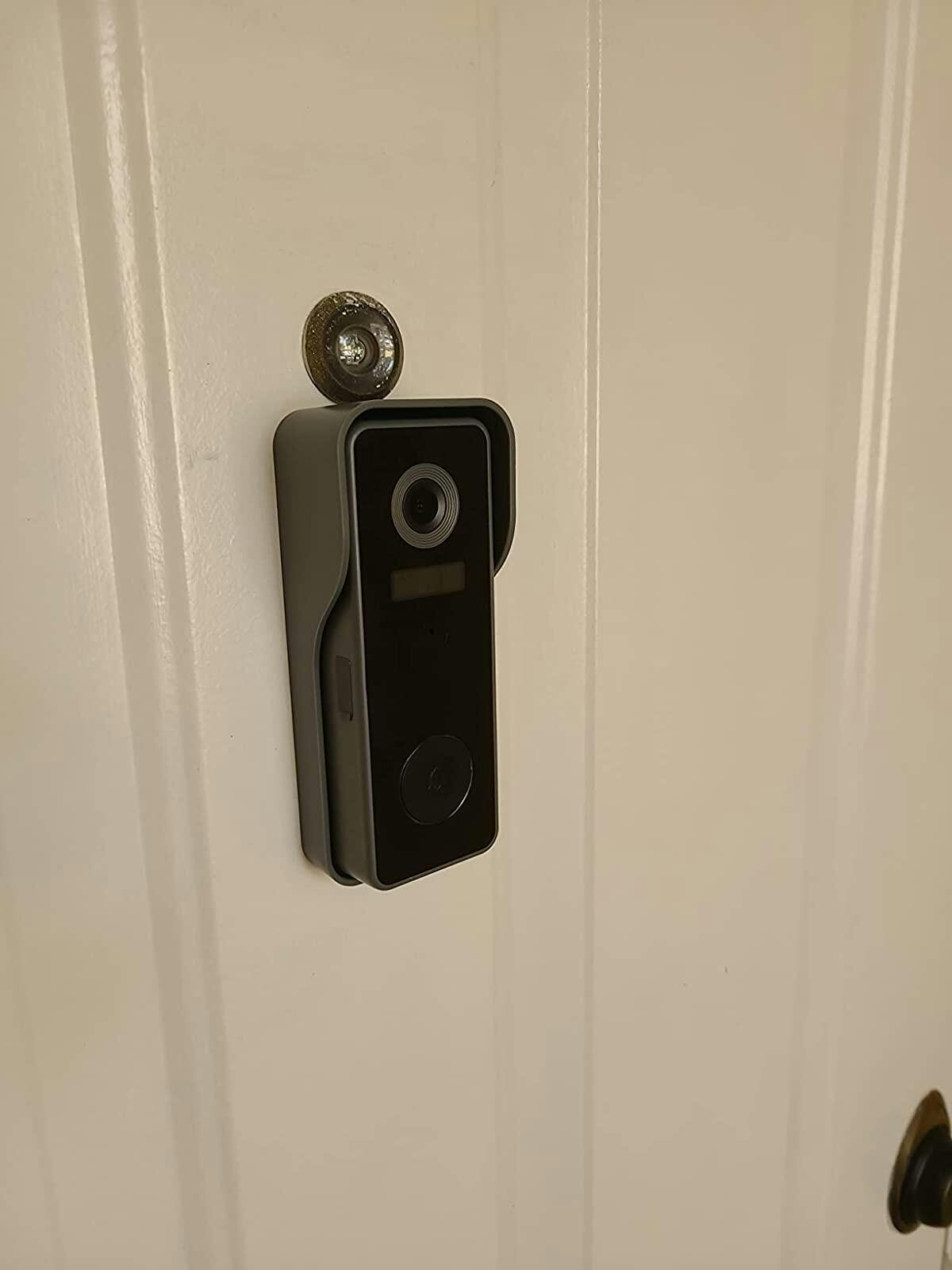
- Wireless design that can be easily installed in anywhere
- Powered by battery, don't worry about the plugging
- Volume control and multiple chime sounds
How to connect the Chime?
1. Click the reset button
Click RESET on the chime, and the chime indicator on the left will flash red for 20 seconds, indicating that the chime is in pairing mode.
2.Press your doorbell to pair up
Press the doorbell button to send a pairing signal, and your chime will sound to react, together with its
blue LED flashing. Chime pairing succeeds.
How to set chime?
1. Chime settings
1) Ringtone selection
2) Click change ringtone (4 ringtones available)
3) Volume control button
① Level 1: 110 dB;
② Level 2: 100 dB;
③ Level 3: 90 dB;
④ Level 4: 80 dB
How to set up?
Click to enter/quit pairing mode;
Press & hold 5 seconds to restore factory defaults
Compare Our Security Cameras
See the key differences and choose the right camera for your home.
| Feature | Q8 Shop Now | GX8S Shop Now | QB320 Shop Now | Q5 Shop Now |
|---|---|---|---|---|
| Best For | Full Outdoor 24/7 Security | Large Area Monitoring | Always-On Home Security | Flexible Indoor/Outdoor |
| Power Source | Solar + Battery | Solar + Battery | Wired (Plug-in) | Battery |
| Installation | Easy | Easy | Fixed Install | Anywhere |
| Video Quality | 2K / 3MP | 2K / 3MP | 2K / 3MP | 2K / 3MP |
| Coverage | 360° PTZ | 360° PTZ | 360° PTZ | Fixed View |
| Night Vision | Color + IR | Color + IR | Color + IR | Color + IR |
| 24/7 Recording | ✅ | ❌ | ✅ | ❌ |
| Works Without Power | ✅ | ✅ | ❌ | ✅ |
| Motion Detection | AI Human Detection | AI Detection | AI Detection | AI Detection |
| Two-Way Audio | ✅ | ✅ | ✅ | ✅ |
| Weatherproof | IP66 | IP66 | IP66 | IP66 |
Recently Viewed Products
Example product title
- $18.99 USD
$15.99 USD- $18.99 USD
- Unit price
- per
Example product title
- $18.99 USD
$15.99 USD- $18.99 USD
- Unit price
- per
Example product title
- $18.99 USD
$15.99 USD- $18.99 USD
- Unit price
- per
Example product title
- $18.99 USD
$15.99 USD- $18.99 USD
- Unit price
- per
Example product title
- $18.99 USD
$15.99 USD- $18.99 USD
- Unit price
- per
Example product title
- $18.99 USD
$15.99 USD- $18.99 USD
- Unit price
- per
Example product title
- $18.99 USD
$15.99 USD- $18.99 USD
- Unit price
- per
Example product title
- $18.99 USD
$15.99 USD- $18.99 USD
- Unit price
- per
Example product title
- $18.99 USD
$15.99 USD- $18.99 USD
- Unit price
- per
Example product title
- $18.99 USD
$15.99 USD- $18.99 USD
- Unit price
- per
- Choosing a selection results in a full page refresh.